When website hosting alone just isn't cutting it
We help organizations host & manage their website with powerful web strategy, ongoing updates, and security monitoring, so your website works for your organization and not against it.
 WordPress
 ExpressionEngine
  Craft CMS
 What's included
Every plan comes with hosting, updates, and strategy built in.
Ongoing website requests
Send us your web requests, and we'll keep your site content fresh and up-to-date. We handle one request at a time, with most updates completed within 48 hours.
Ongoing upgrades
Avoid security vulnerabilities and bugs with regularly scheduled platform and third-party plugin updates, keeping your website happy, healthy, and up to date.
Ongoing web strategy
Meet regularly to review analytics and plan your future web strategy, ensuring your website continues to align with your goals and growth.
Web hosting on steroids
Got a website that gets no love, but needs it? We combine powerful hosting with a team of experts for content updates, platform upgrades, and ongoing strategy.
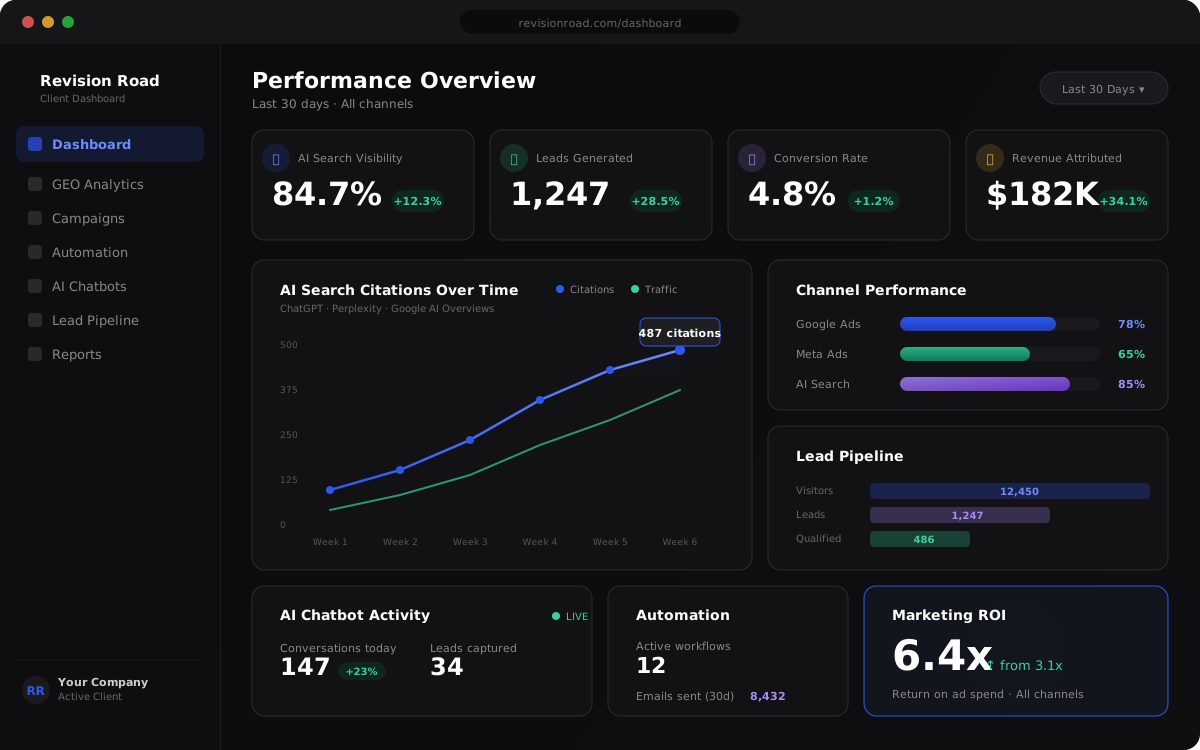
Analytics dashboard
We'll ensure your analytics are properly installed, tracking key metrics with real-time insights, and provide ongoing monitoring and strategy reviews to drive results.
Security monitoring
With 24/7 monitoring, we'll detect issues immediately, ensuring your website stays secure, operational, and minimizing downtime, so your business runs smoothly without interruption.
SSL certification
100% free setup and configuration, plus an installed SSL certificate for secure, encrypted connections, ensuring your website is ready and protected from day one.
Is this right for you?
I don't think this is a fit for us:
- We have a web expert that guides the best user experience for our users.
- We have the resources to keep our website platform & plugins updated.
- We regularly review analytics and make optimizations to improve user conversion.
- We have someone to make content updates and build new features.
This is exactly what we need:
- We aspire to have a powerful website that we can continually improve.
- Our site doesn't get updated and we need help ensuring it's always up to date and healthy.
- We need someone to manage our web hosting & security so we can focus on what we do best.
- We want a team that evaluates our web analytics and makes recommendations for improving conversions.
- We need a team to make on-demand content updates and/or build new features.
Hosting & management options
The right package for your website. WordPress, ExpressionEngine, or Craft CMS.
Essentials
Reliable hosting with platform upgrades, health checks, and on-demand content requests.
Free migration included
Schedule a CallNo commitment - Cancel anytime
- Ongoing platform upgrades
- Ongoing plugin upgrades
- Ongoing health checks
- 5 requests per month*
- Bi-yearly web strategy call (2x/year)
- Google Analytics 4 setup
- Reporting dashboard
- Free migration
- Dedicated environment
- Daily backups (stored for week)
- Powerful caching
- SSL
- Up to 2 GB RAM / 1 Core / 50 GB Storage / 2 TB Bandwidth
Pro
Enhanced hosting with security monitoring, AI chatbot, and quarterly strategy calls.
Free migration included
Schedule a CallNo commitment - Cancel anytime
- Everything in Essentials
- Fully trained AI Chatbot
- Monthly analysis and optimization
- 10 requests per month*
- Quarterly web strategy call
- Security monitoring:
- Malware monitoring
- File integrity monitoring
- Blacklist monitoring
- DNS monitoring
- SSL monitoring
- Security activity auditing
- Malicious traffic blocking
- DDoS protection
Powerhouse
A complete hosting, strategy, and CRM platform with marketing automation and monthly strategy calls.
Free migration included
Schedule a CallNo commitment - Cancel anytime
- Everything in Pro
- 15 requests per month*
- Monthly web & marketing strategy call
- All-in-one CRM platform:
- Lead capture forms
- Drag & drop funnels
- Appointment scheduling
- SMS automation
- Email marketing
- Two-way texting
- Call tracking & missed call texts
- Reputation & review management
- Social media scheduler
- Workflow automation
- Pipeline management
- Sales dashboard
- Contact management
- Stripe integration
- Community portal
* You may submit one request at a time, with a turnaround time of up to 48 hours.
How it works
From first conversation to fully managed hosting in three simple steps.
Schedule your free consultation
Let's get to know each other! Chat with our team, learn more about how our robust website management and hosting will transform your organization.
Migration
Partner with our experts to get everything needed for a smooth migration to your new managed hosting environment.
Launch your hosting & strategy
Collaborate with our team in regular check-ins to see exactly how your website is performing and where to improve.
Frequently asked questions
A request is any content update or change you submit, like updating copy, swapping images, adding a new section, fixing a layout issue, or building a small feature. You can submit one request at a time, and most are completed within 48 hours.
We run platform and plugin upgrades on a regular schedule (typically weekly to bi-weekly) depending on release cycles. Critical security patches are applied as soon as they're available to keep your site protected.
Absolutely. You retain full ownership of your website, its content, and your domain. If you ever decide to leave, we'll help you migrate everything to the provider of your choice.
You submit requests through our support portal. Each request is reviewed, prioritized, and completed one at a time with a turnaround of up to 48 hours. Once a request is finished, you can submit the next one.
The businesses that adopt AI now will own their markets
Schedule a call today and we'll show you exactly where AI can drive growth in your business. No fluff, no jargon, just a clear plan.